
Your Words.
Your Ideas.
Your Story.
Explore, practice, create and perform your way through English.
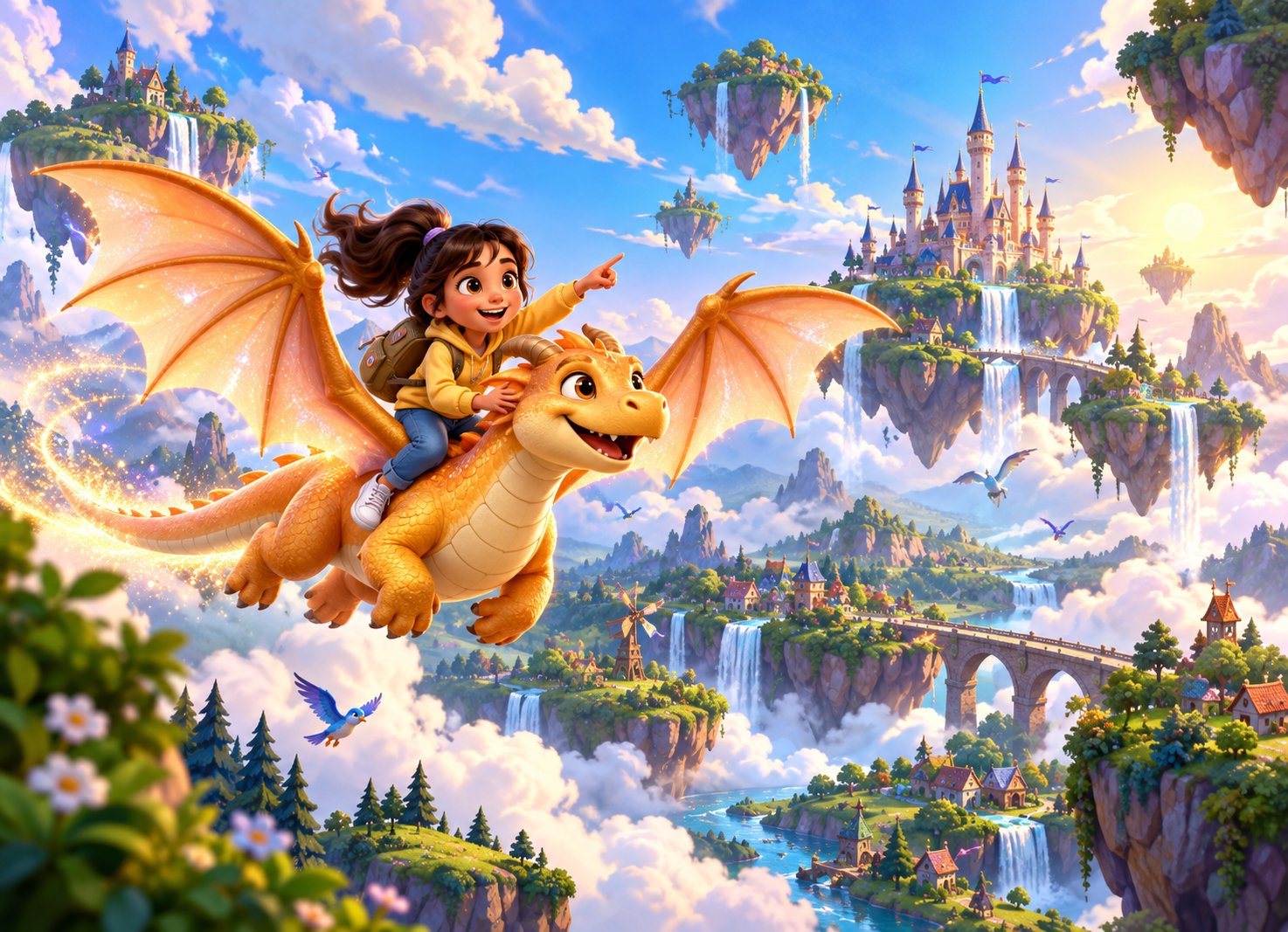
Your English Adventure
24 chapters. Countless ideas. One communication journey.

My Imaginary World
"Let your imagination speak."
Explore
Watch and discover
Start StagePractice
Challenge your skills
Start StageCreate
Turn ideas into words
Start StagePerform
Bring your ideas to life
Start StageAnswer Cards
Ask any A/B/C/D question. Count the cards held up, tap once per card.
Teacher Prep: My Imaginary World
Session 1 & Session 2 — everything you need before class.
Lesson Plan
Objectives
Student Outputs
Session 1:
Session 2:
Materials
Differentiation
Media Preview
The Lumora Storybook
Full Script by Step
Before-Class Checklist
"I'm Ready" Check
Classroom Observation
Pick a chapter and session to observe, or check your observation history.
Today's Visit
Start a New Observation
Observation History
Observing: My Imaginary World
Fill silently during the lesson — never interrupt the class to use this.
Before You Begin
Your access is view-only — you watch and record, and never control the lesson.
A. Core Model Adherence
B. Facilitator vs Lecturer
C. Student Engagement
D. Pacing & Time Management
E. Differentiation & Support
Evidence & Expectations
Non-Negotiables
Any "No" here is automatically pinned as the priority topic below.
Coaching Prompts
Tap a gap that matched what you saw — it fills the feedback below for you.
Feedback Form (sandwich method)
Hold the feedback conversation within 24 hours.
Chapter Reflection
A chapter is complete once this is submitted. Saves as you go — finish it in two sittings if you need to.
Explore: My Imaginary World
Watch closely. Your discussion questions unlock when the video ends.
"Alright, before we begin, let's take a deep breath together. Breathe in... and out. Wonderful. Now, get comfortable. You can close your eyes if you like. I'm going to ask your imagination to do something special today. Is your imagination ready?"
This chapter's video hasn't been uploaded yet.
For testing: mark it watched to preview the discussion questions below.Playing on the projector
The Lumora Storybook
Page 1 of 8
Think & Talk
Let's talk about what we just watched.

Class activity
On paper, in notebooks.

"Look at what you've created. In just a few minutes, you've built an entire world. Give yourself a clap! Now, we're about to go on a different kind of adventure — a word adventure!"
Word Detective
Activity 1 of 3
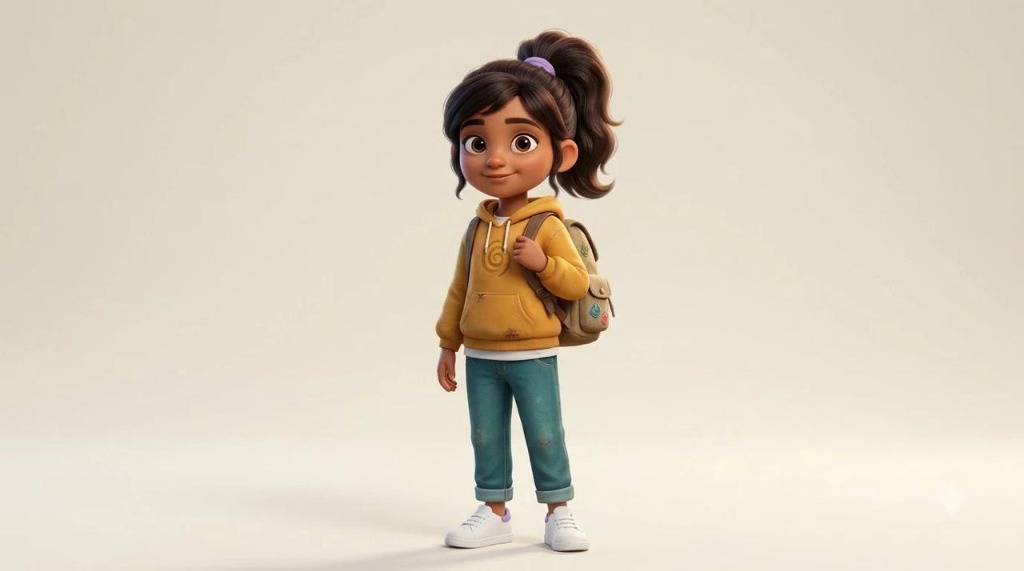
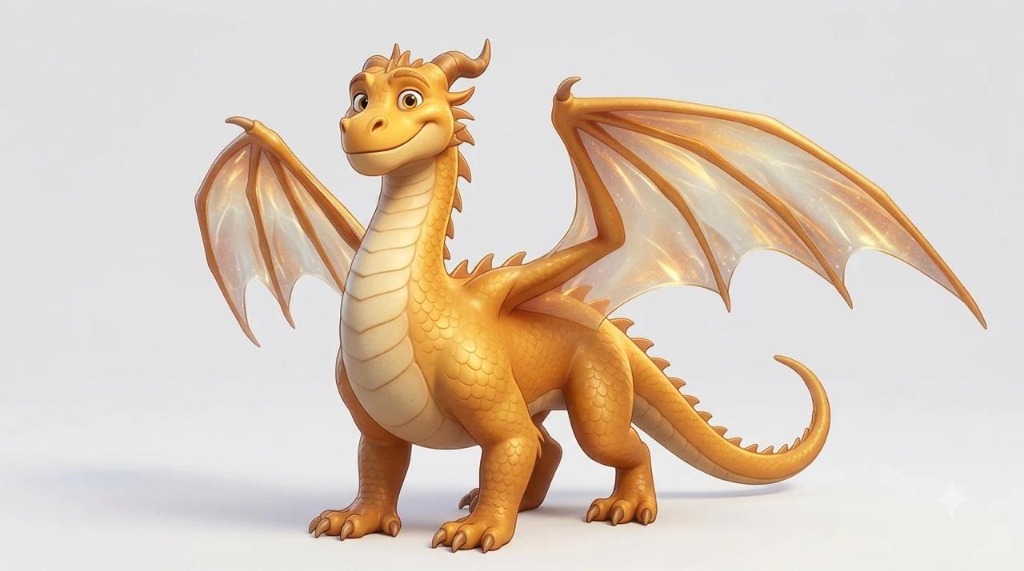

Create: My Imaginary World
Turn your imagination into words!
"Welcome back, explorers! Hold up your drawing. Who remembers their dragon's name? Last session, you imagined a whole new world, drew it, and learned that everything in it has a name — a noun."
Story Starter
Copy this into your notebook to begin.
Shown large on the projector
Teacher Models a Story
Revealed one sentence at a time. Nouns are highlighted — point them out!
Write Your Story
In the notebook — use at least 2 nouns from your list.
Roving Prompts
Check My Story
Invented spelling is always okay — this is about the ideas.
Perform: My Imaginary World
Share your story — ideas and courage, not spelling.
No story yet
Finish writing in the Create stage first, then come back here to share it.
"I loved ___. One cool thing: ___."
Shown large on the projector
Model the frame with one volunteer before pairs begin. Everyone practices it once together.
Pair Share
4 minutes per partner. Read slowly — like telling a secret.
- Visit each pair once — tick them off mentally as you go.
- Nervous reader? "You can whisper to your partner."
Explorer's Stage
Volunteers only — the portal never picks a student at random.
Ask for a volunteer, then pick their name below.
The spotlight and applause show on the projector
0 explorers have shared
"The door closes... See you next time, explorers!"
The closing door shows on the projector
Chapter 01 Complete!
Amazing! You've finished My Imaginary World!

Scan a Worksheet
Capture a student's handwritten page and send it to their portfolio — fast, no waiting.
Admin Dashboard
Content, teacher accounts, and program-wide settings.
Chapters
Teacher, Trainer & Admin Accounts
Reset a Password
Accounts have no email, so when someone forgets their password you set a new one here and give it to them.
Trainer Activity
Schools
Coming in a later phase
Content Editor
Coming in a later phase
Reports
Teacher portal usage, class story reports, and each student's progress report.
Teacher Usage
Ms. Anita — prep readiness & in-class time
Class Story Reports
Stories teachers scanned in each class, with photos, text and feedback. Photos are kept for 7 days.
Student Reports
The same report each student's parent sees.